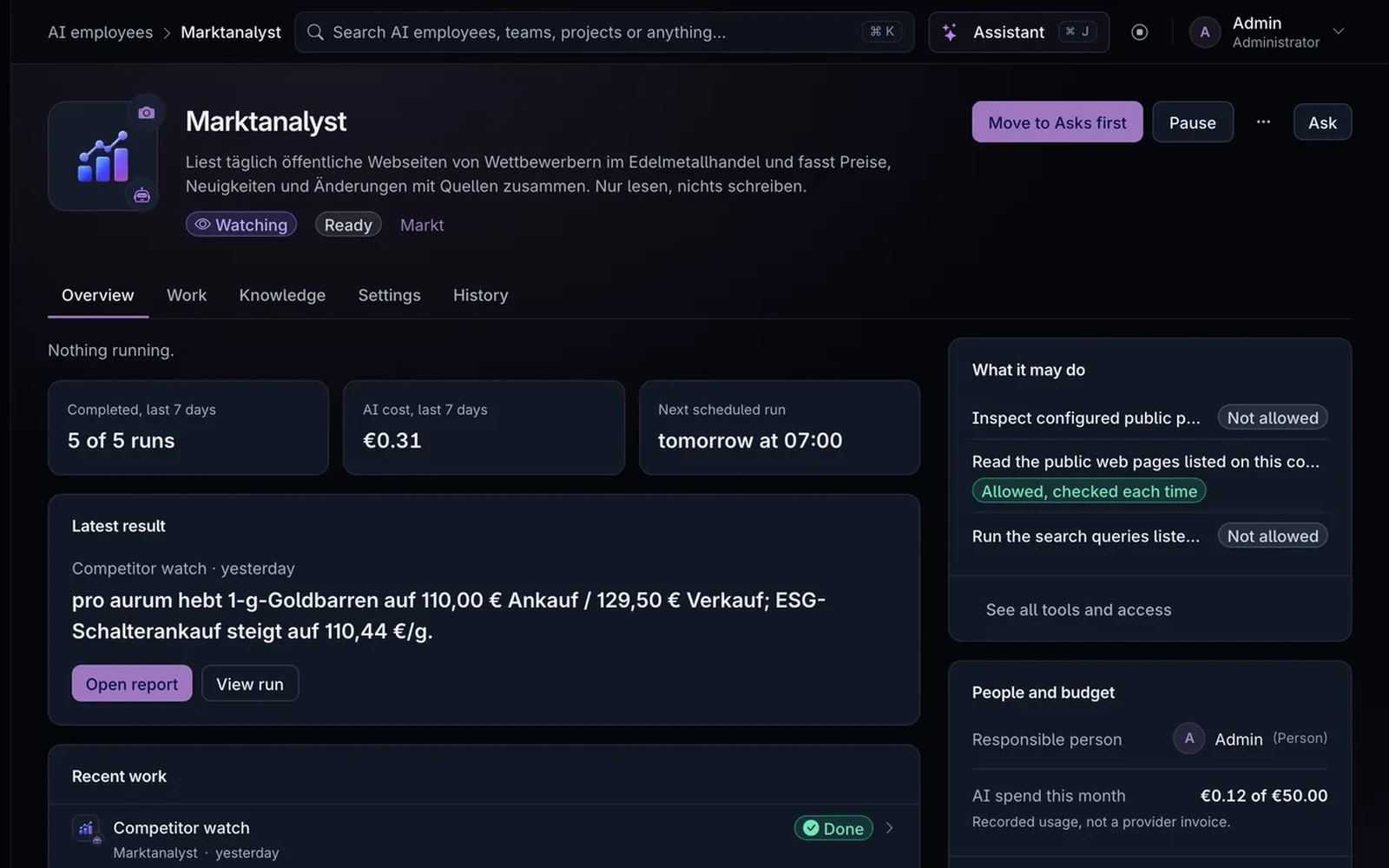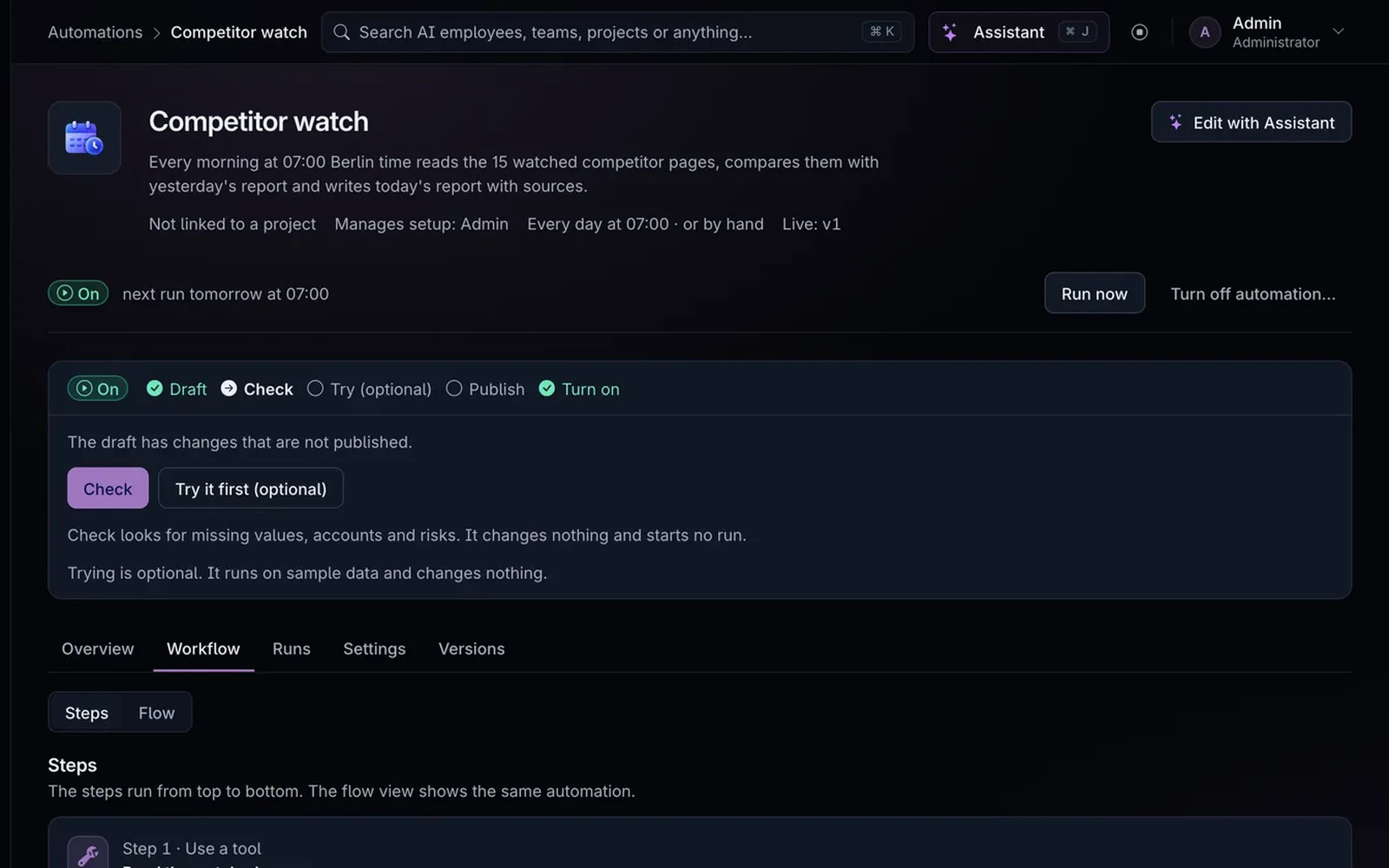

Report and price comparison with sources
Selected websites, price lists or news sources are checked on a schedule. Every figure carries its source and timestamp - delivered as a PDF, by email or in the workspace.
See the solutionFor practices, teams and growing businesses · Works with or without Odoo
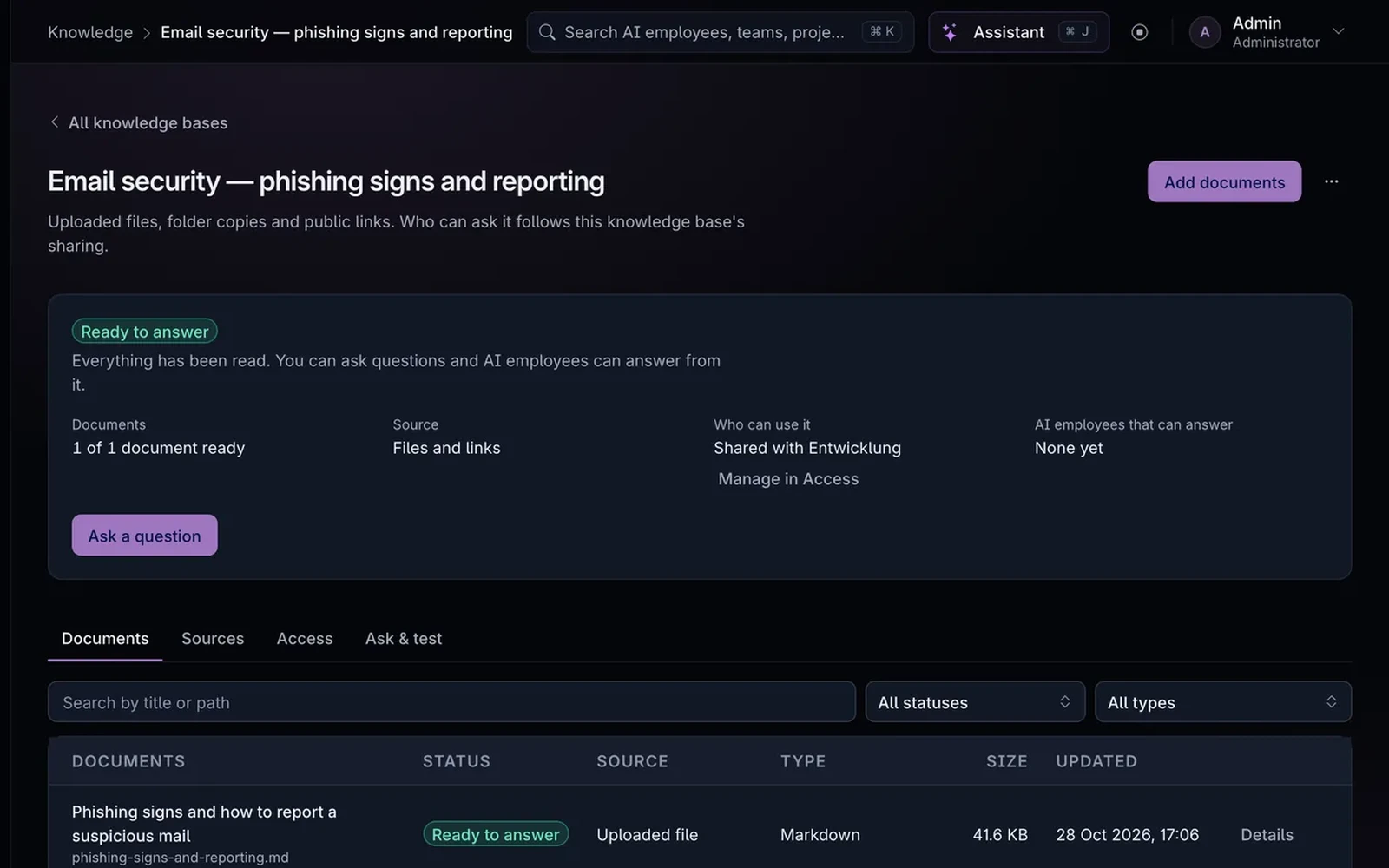
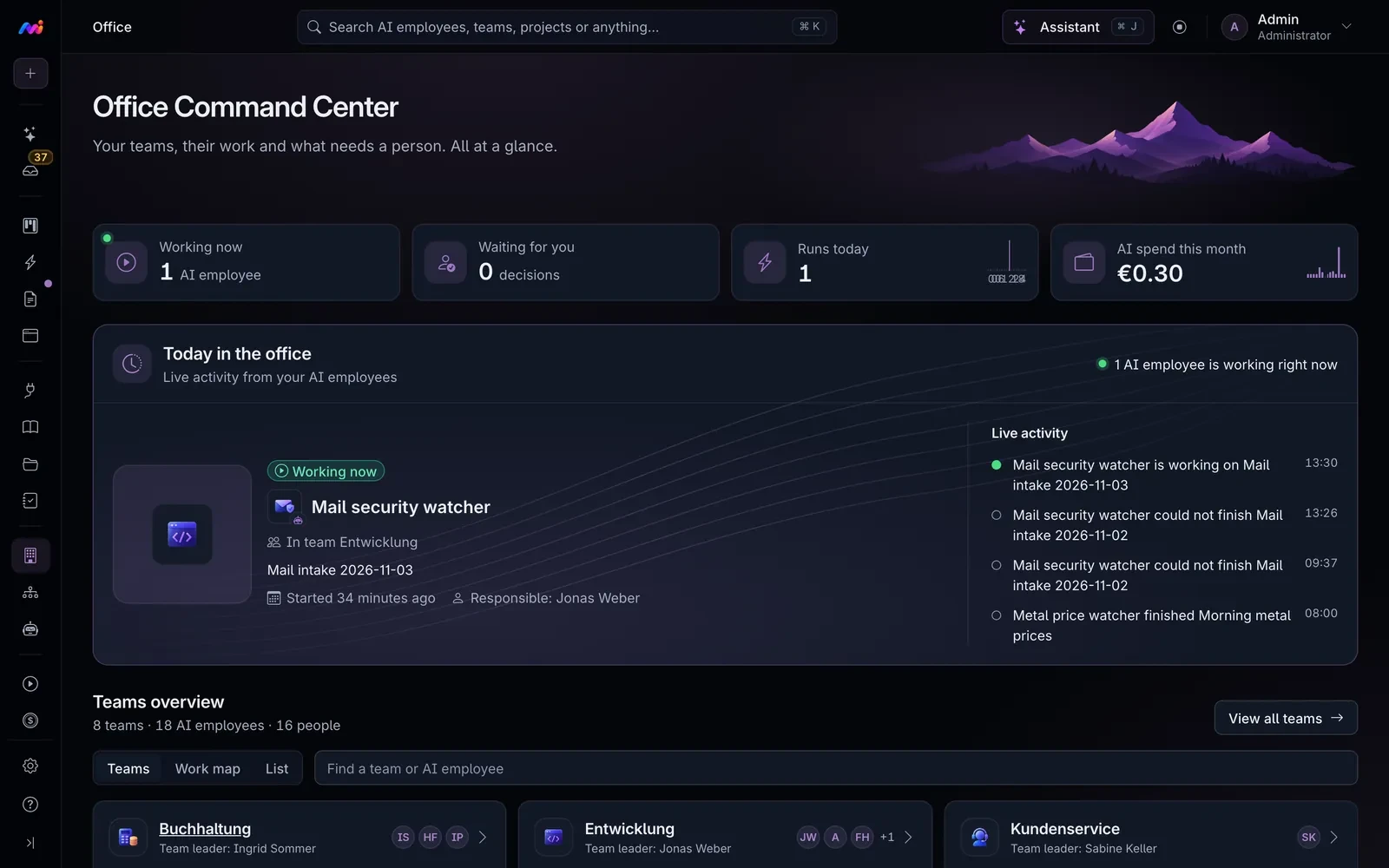
MITDesk works with your emails, documents and business software to prepare replies, reports and routine updates. You decide what runs automatically and what needs your approval.
From €124.17 / month billed annually (€1,490 per year instead of €1,788) · or €149 monthly · Payments and deletions always ask a person
Interactive example
Pick a typical workflow. This demo using sample data shows the input, each work step, the prepared output and your decision - including how missing information or a rejected approval is handled.
Select an AI employee to inspect its workflow
Three everyday tasks
Key terms explained once
So you always know what a package covers and how MITDesk works with your software:
The workspace
Your software - with or without Odoo
Practices, service firms and businesses without Odoo can start with their email mailbox, released document folders (PDF, Word, Excel, Nextcloud), calendars and the browser side panel. We set the connections up together with you during onboarding and check them with your account.
If you run Odoo, MITDesk works with leads, quotes, tickets and purchasing records - with the exact permissions of the assigned Odoo account, through Odoo's standard API. The side panel beside the open record comes with the optional Odoo module MITDesk Link. Tested with Odoo 20 (17 on a test system).
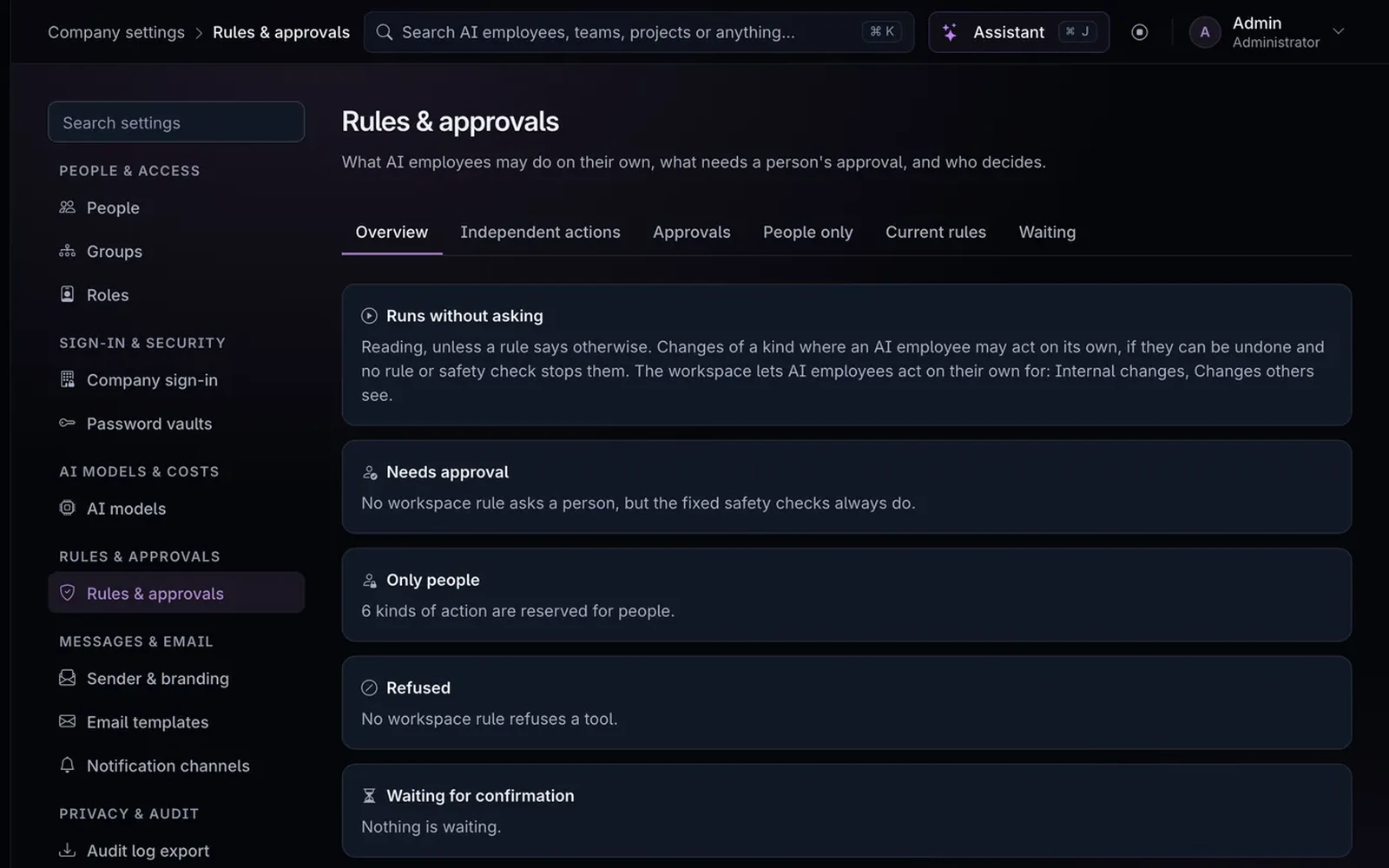
Reading, comparing and preparing drafts run across released sources. Changes in connected applications wait for your approval by default; payments, deletions and security settings always ask a person.
Industries
From dental practices, physiotherapy and massage/wellness to wholesale, precious metals, associations and IT services: see concrete inputs, outputs and exception handling.
See all industriesTransparent pricing
Yearly billing: pay 10 months, use 12. Monthly billing available, cancel monthly. All prices net. AI model costs are extra.
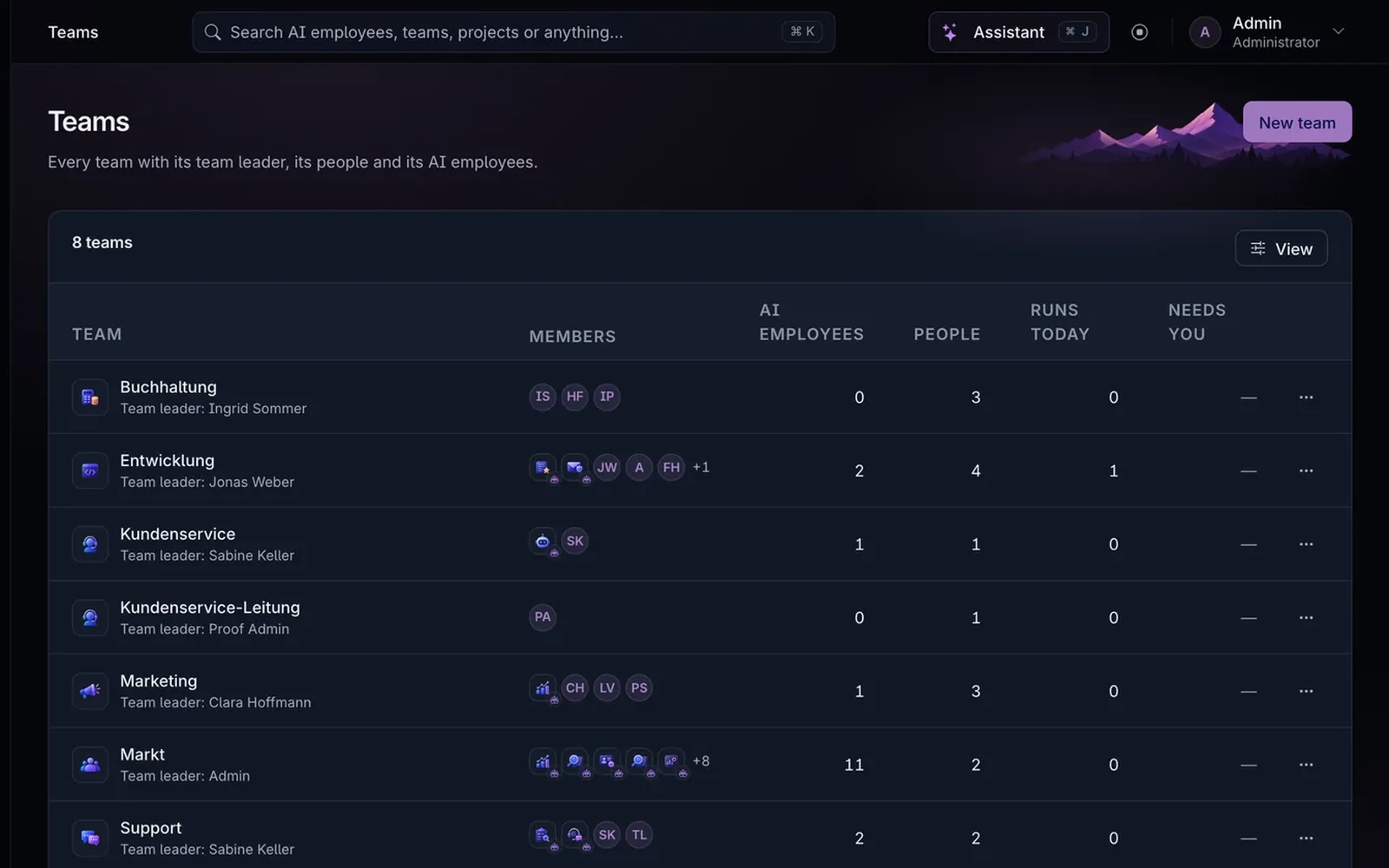
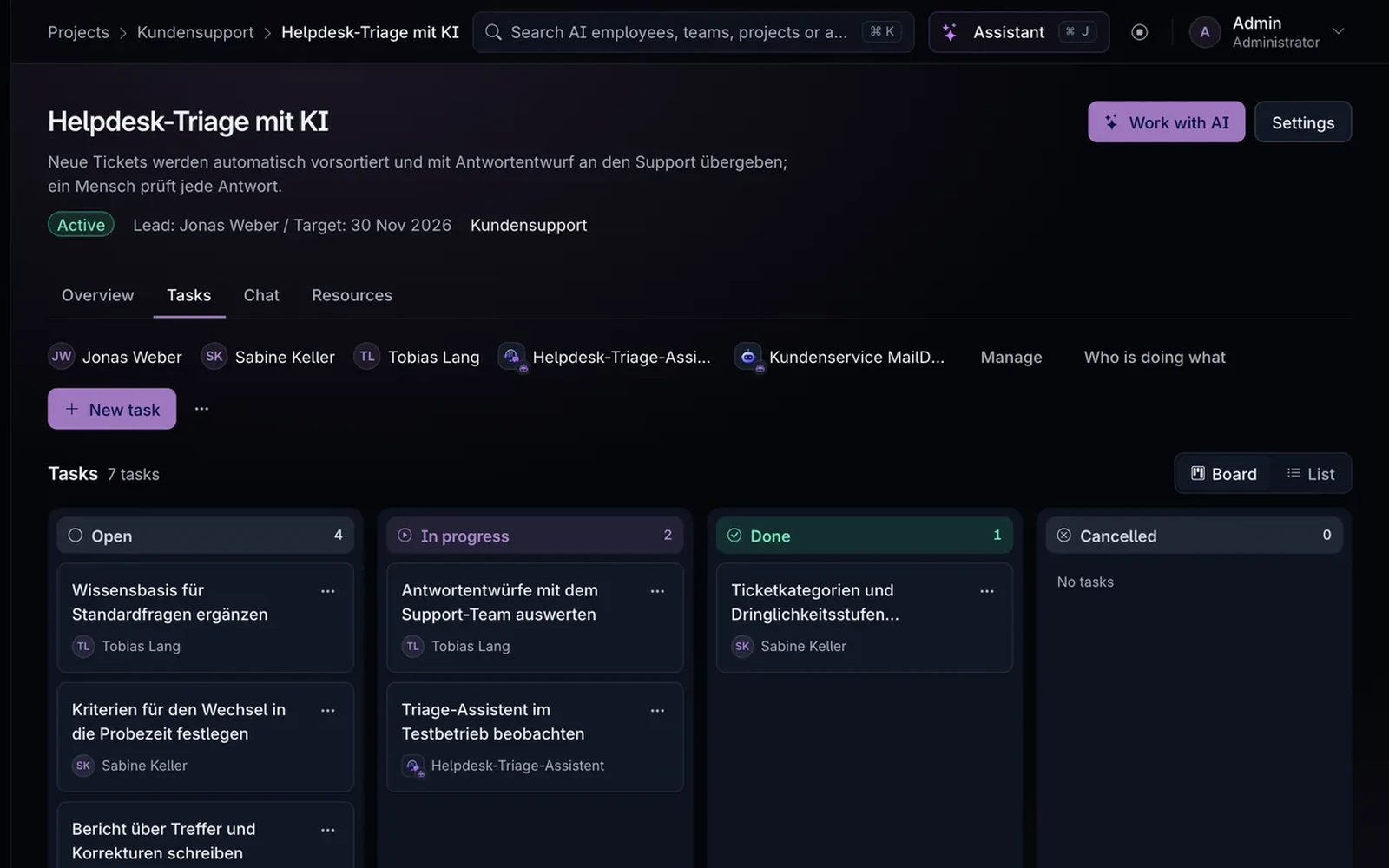
An AI employee in MITDesk has a defined role, controlled access to selected mailboxes, folders or applications and a responsible person. It works on a schedule or when new items arrive, highlights missing details and delivers prepared replies, reports or updates with source links. The interactive Assistant for asking questions across your documents is included alongside it.
No. MITDesk is a standalone platform. You can use MITDesk directly with your email mailbox, document folders, calendars, public web sources or the browser side panel. If you use Odoo, MITDesk also connects to Odoo through its standard API; the side panel beside the open record comes with the optional Odoo module MITDesk Link. Tested with Odoo 20 (17 on a test system) - we qualify your version at the start.
Reading, searching, comparing and preparing reports or reply drafts run automatically within the granted read permissions. Changes in connected systems wait for a person's approval by default. You can explicitly permit selected reversible routine updates, while actions involving money, deletions and security settings always require human approval. Your team sends replies to customers. Automatic replies under a policy your administration approves are in preparation.
Costs consist of three transparent parts: 1. Your package (billed annually, per month: Start €124.17, Team €374.17, Business €624.17 or Scale €1,241.67, i.e. €1,490 / €4,490 / €7,490 / €14,900 per year; billed monthly €149 / €449 / €749 / €1,490 net) or the annual licence for your own server (€14,900 / year + setup from €4,900). 2. Optional setup services (connection setup to a supported application by us €490 once, additional workflow area €1,490 once). 3. AI model usage via your own provider key with a budget cap or your own model server.
In the solution configurator you select your industry, tasks and approximate workload to see the fitting plan and recommended first workflows immediately. We then review your setup with you, configure your workspace and first task together, and start in safe observation and approval mode.