Trade
Supplier quotes compared line by line and competitor prices tracked daily with sources.
In purchasing, quotes arrive as email text, PDFs, and spreadsheets while competitor prices move daily. Retyping and comparing everything by hand eats valuable time every morning.
Today in your business
What eats purchasing time every week
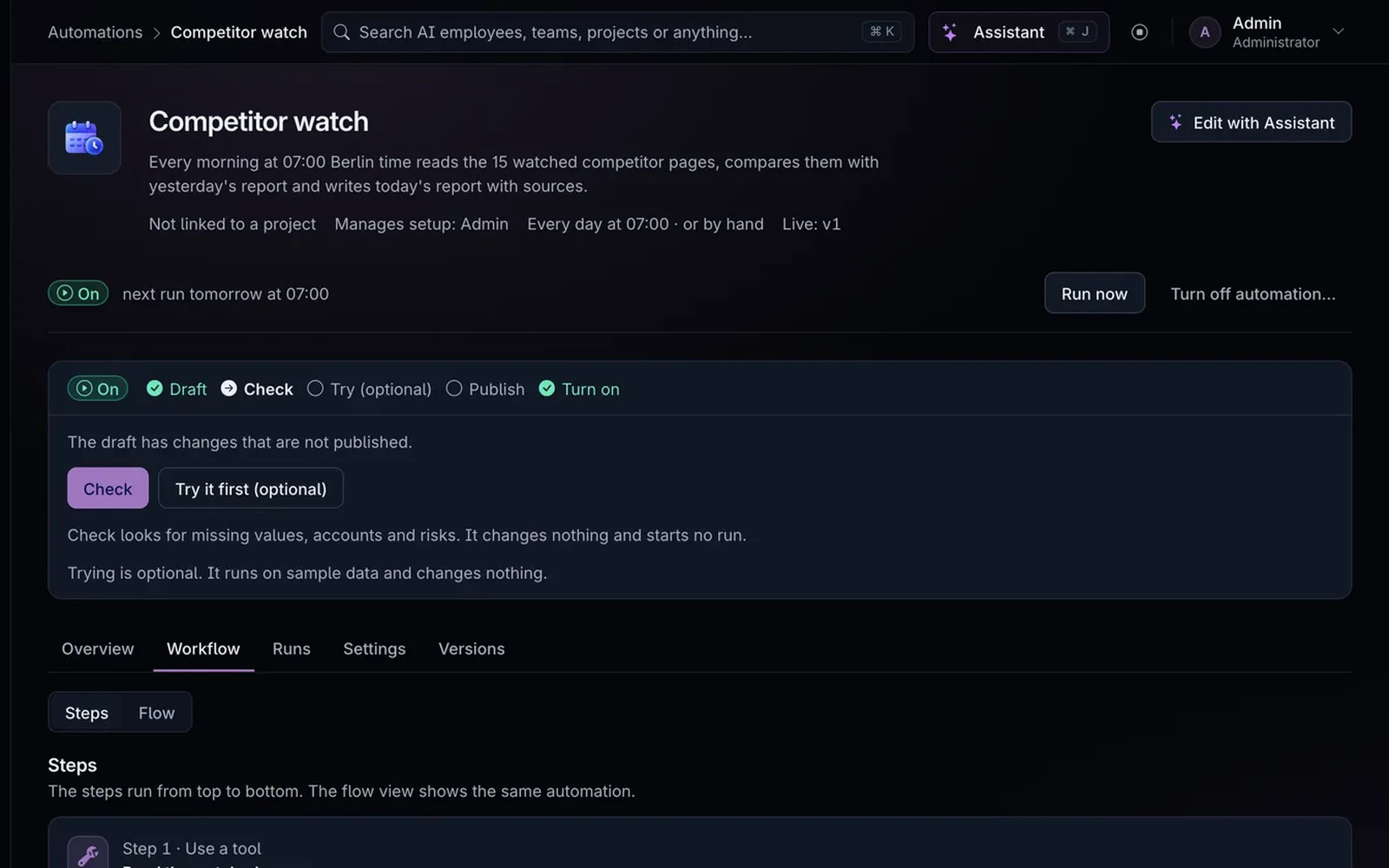
Up to 20 pages that you choose are read. No sign-in, no orders.
3 interactive workflows MITDesk prepares
Pick a real business situation, start the demo, test missing details or rejection, and inspect the verifiable output.

When something is missing or does not match
Retailer page unreachable. "Retailer D could not be read." No price proposal.


System integration & setup
How MITDesk connects to purchasing, mailboxes, and ERP
In trade, MITDesk works both standalone with your purchasing mailbox, supplier folders, and public price pages, and directly connected to Odoo (Sales, Purchase, Product master).
1. Mailbox, calendar & file folders
Start without rebuilding your IT: the AI employee reads a permitted mailbox, an availability calendar, and your shared document folders (e.g. Microsoft 365, Google Workspace, Nextcloud, or IMAP).
2. Direct connection to supported applications
Where a supported connector is available (e.g. Odoo, Zammad, GitLab, Qonto, Lexware Office, sevDesk), the AI employee works through its own strictly scoped user account.
3. Alongside existing sector software
If your sector or practice software does not expose an open write API, MITDesk works cleanly alongside it via incoming emails, file exports, or the side panel - and your team applies the verified result.
Every price update or item creation in the ERP waits as an approval card with before/after diff for purchasing or category management. The connections named here are built and tested with test data; verified in real use so far is Odoo (Odoo 20, our own system). We qualify each further one with your account during onboarding before it runs in production.
Frequently asked questions: Trade
What happens if a supplier quote is missing details such as lead time?
MITDesk never guesses missing prices or lead times. The cell is clearly marked "missing" in the comparison table, and MITDesk prepares a short clarification email draft to the supplier.
Does MITDesk change sales prices automatically in our ERP or shop?
No. Price proposals appear as an approval card with before/after comparison. The price is updated only after approval by the authorised person.
Does the supplier quote comparison work without Odoo?
Yes. The comparison reads quotes directly from your purchasing mailbox and a shared document folder, delivering the comparison table in the MITDesk workspace and as a PDF.
Want to calculate effort and package fit for your team?
The 5-step solution configurator pre-selects this industry and task, calculates the time scenario, and recommends the fitting setup.
Other industries